
AAStore
Tools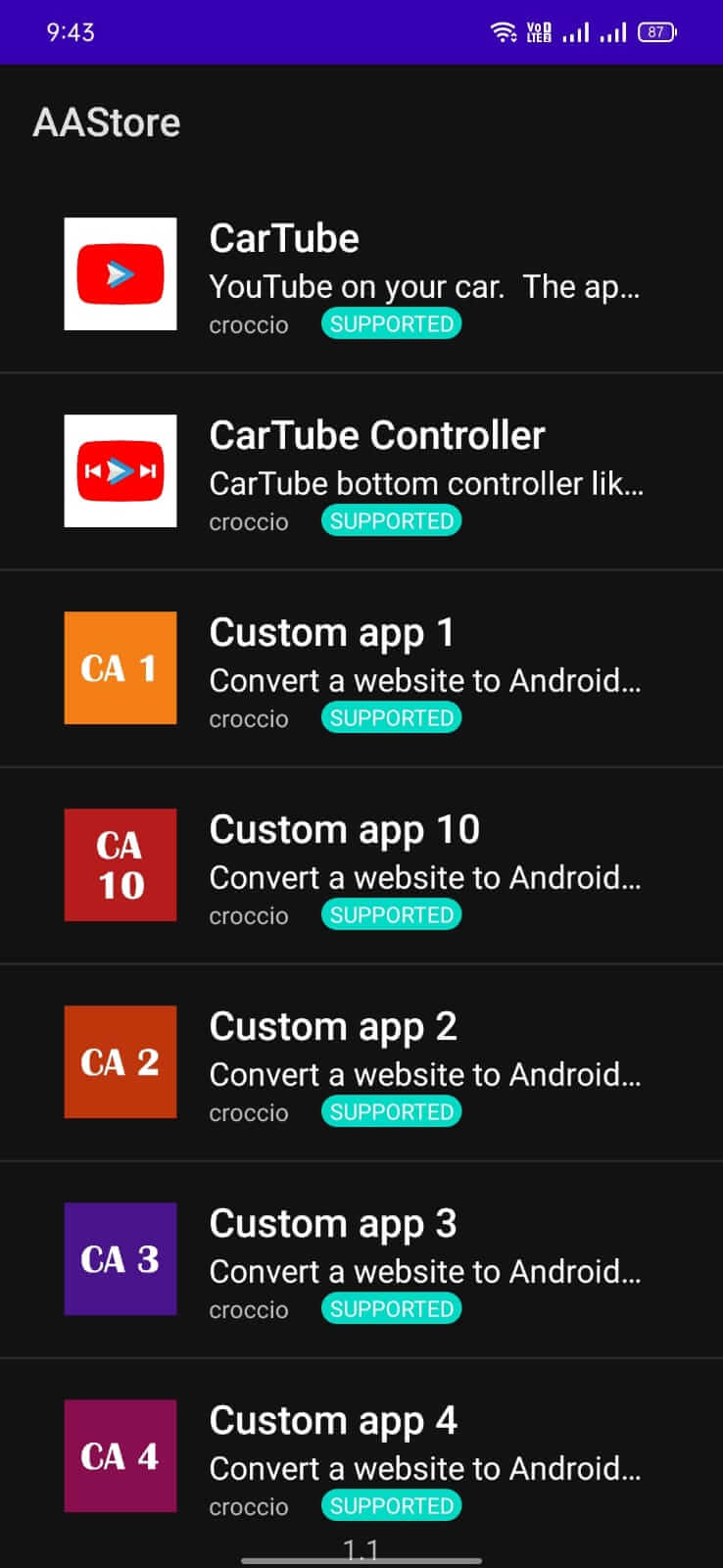
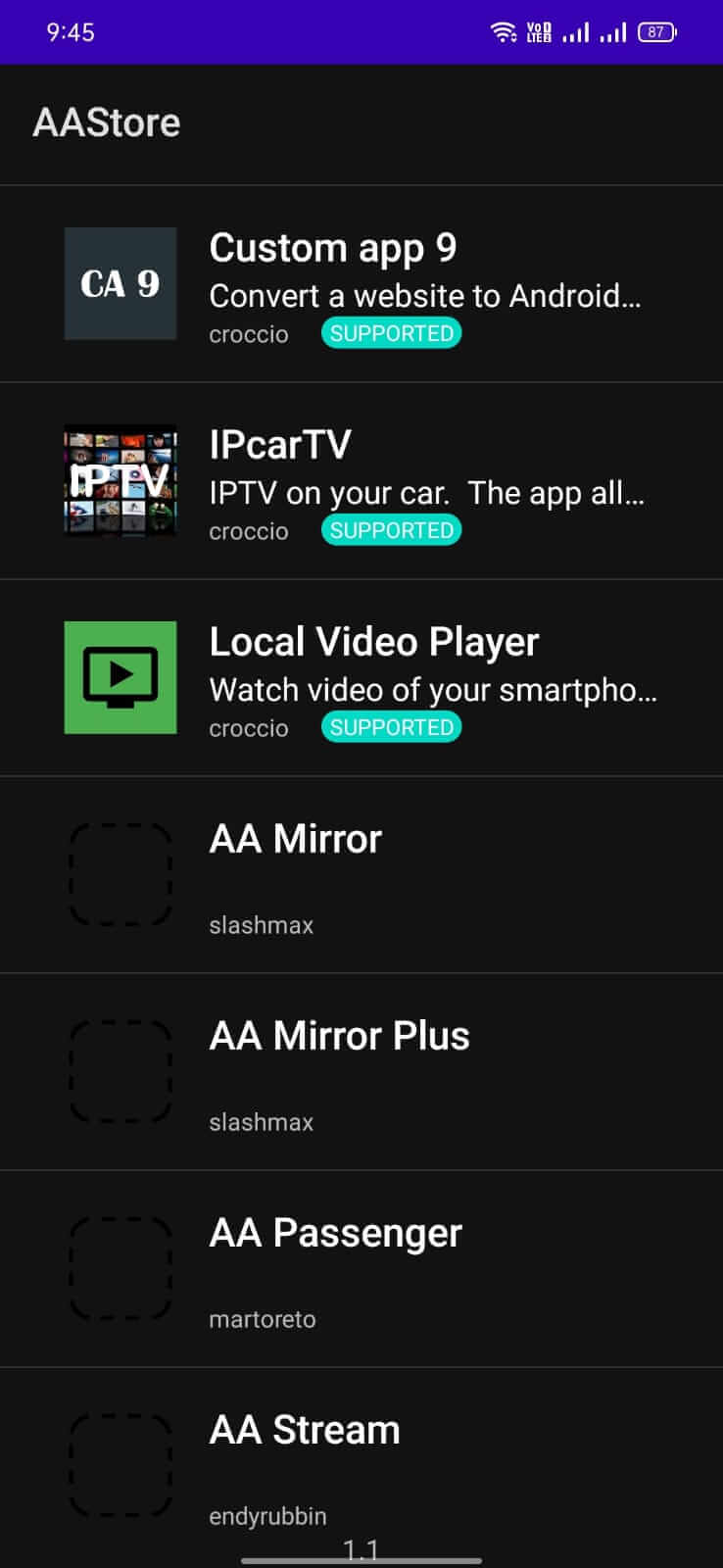
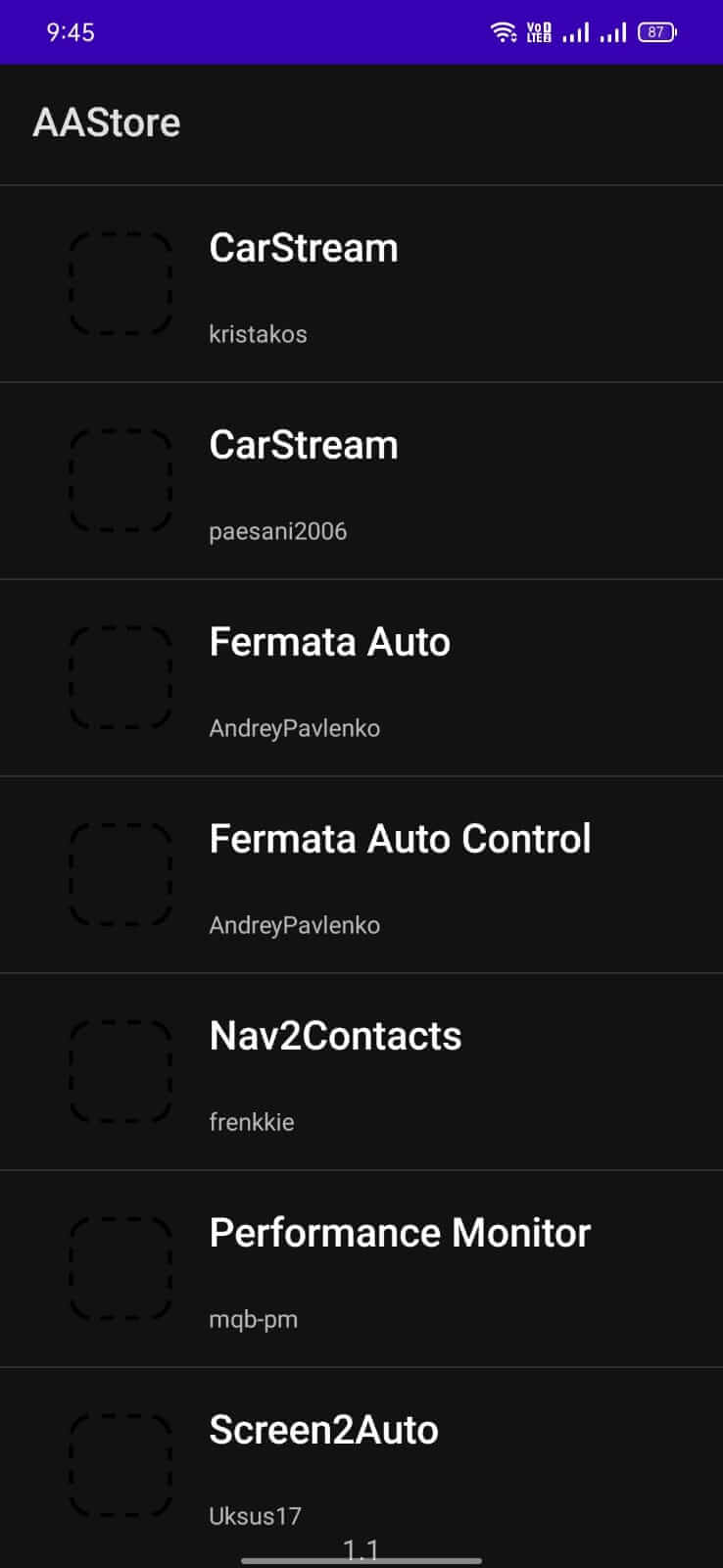
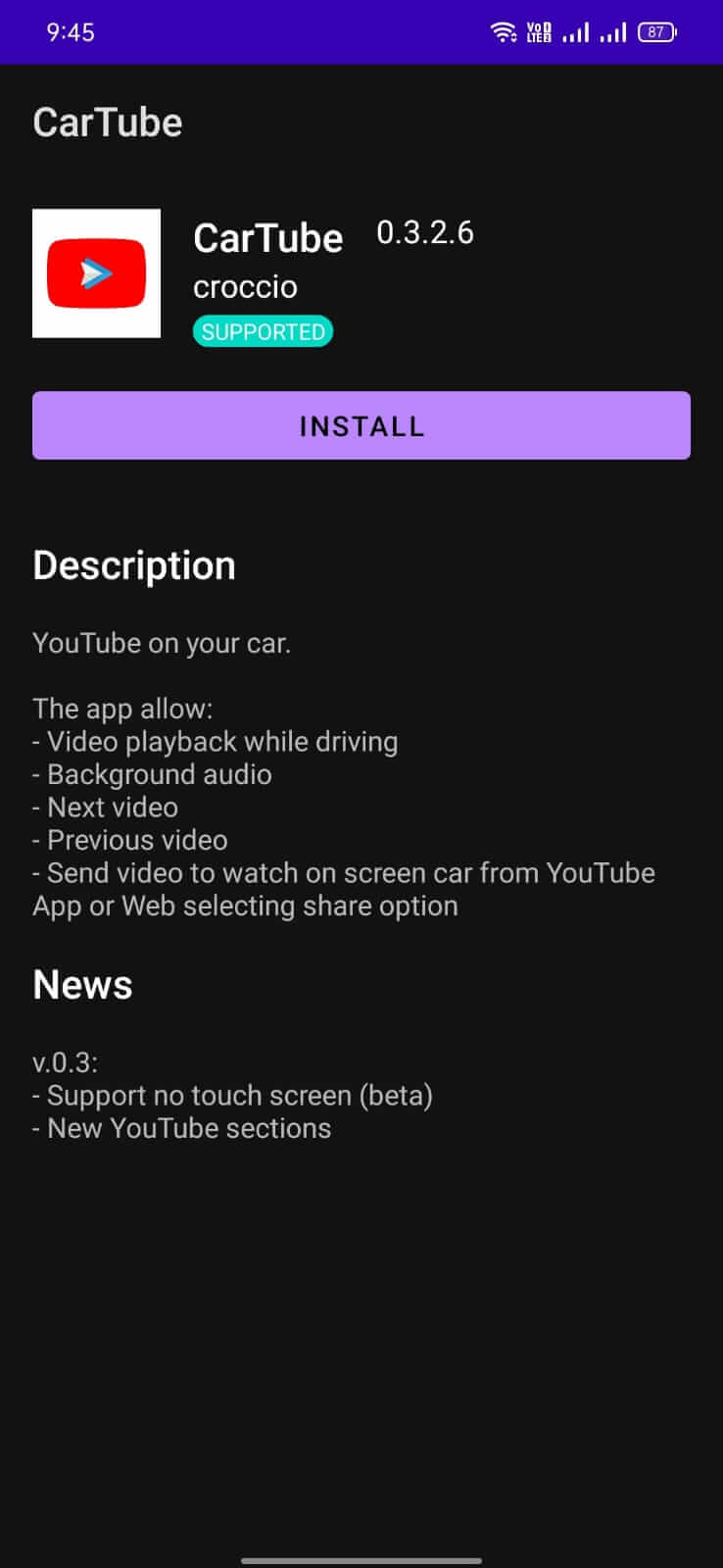

AAStore is a lightweight Android utility that gathers a collection of car‑related applications in one place. It aims to simplify the process of finding navigation, diagnostics, and entertainment tools for drivers without hopping between multiple websites.
The app is packaged as a standard APK of about 9.75 MB, making it quick to download even on slower connections. This page provides the latest version details, installation steps, and practical tips for a smooth experience.
Quick Information
| App/Game Name | AAStore |
| Latest Version | 2.1 |
| Developer | Not listed |
| Category | Apps / Tools |
| App Size | 9.75 MB |
| Package Name | it.croccio.aastore |
| Last Updated | 19 January 2026 |
What Is AAStore?
AAStore serves as a curated storefront for automotive apps. Instead of searching the web for individual car utilities, users can browse categories such as navigation, vehicle monitoring, and media playback directly within AAStore. The app is designed for drivers who want a convenient entry point to discover and install useful car‑focused tools.
Compatibility
| Android Version | ✓ Verified — Android 5.0 and later |
| Architecture (ARM64 / 32-bit) | Not Verified |
| Internet Connection | ✓ Verified — May be required for ads, updates, or login |
| Storage Needed | Not Verified |
| OBB/Data Files | Not Verified |
| Root Required | Not Verified |
How to Install
- Enable installation from unknown sources in your device settings (usually under Security or Install unknown apps).
- Download the AAStore APK file to your device.
- Open the downloaded file and follow the on‑screen prompts to install.
- Once installed, launch AAStore and grant any requested permissions to access storage or network.
Troubleshooting
- App not installed: Verify that the APK is complete and not corrupted. Ensure you have enough storage space and that the “Install from unknown sources” option is enabled.
- Crashes on startup: Clear the app cache via Settings → Apps → AAStore → Storage → Clear cache. If the problem persists, reinstall the APK.
- Features not loading: AAStore needs an active internet connection to fetch the list of car apps. Check your network settings and try again.
- Permission issues: Some car apps require access to location or storage. Grant these permissions in the app’s permission manager.
Safety & Security
AAStore is a standard, unmodified APK. As with any third‑party package, download it from a reputable source and scan the file with an antivirus app before installing. Review the permissions it requests; if anything seems unrelated to its purpose (e.g., SMS or phone‑call access), consider refusing the installation.
How AAStore Compares
| Feature | AAStore | Google Play Store | APKPure |
|---|---|---|---|
| Price / Free model | Free | Free (with optional paid apps) | Free (ad‑supported) |
| Platform availability | Android only | Android, Web | Android, Web |
| Standout feature | Focused collection of car‑related apps | Largest official app ecosystem | Wide range of third‑party APKs |
| Best for | Drivers seeking a dedicated car‑app hub | General Android users needing official apps | Users looking for apps not on the Play Store |
Alternatives
- Google Play Store – The official Android marketplace with comprehensive app verification.
- APKPure – A popular third‑party store offering a broad selection of APKs, including many niche utilities.
- Amazon Appstore – Another official alternative with a curated catalog and occasional exclusive apps.
Final Verdict
AAStore is a concise, free solution for drivers who want quick access to automotive apps without sifting through generic app stores. Its small size and focused catalog make it convenient, but users should verify the source of the APK and monitor permissions. If you need a broader app ecosystem, the official Play Store or reputable third‑party stores may be more suitable.
Frequently Asked Questions
AAStore is an unmodified APK, so download it from a trusted source and scan it with an antivirus before installing.
The app works on Android versions that support standard APK installation; no specific minimum version was listed.
Yes, AAStore needs internet access to download and display the list of car‑related applications.
Download the latest APK from a reliable source and install it over the existing version; the installer will replace the old files.
Yes, AAStore is a separate app and can coexist with the Play Store without conflicts.
This usually means the APK is incomplete, corrupted, or your device blocks installations from unknown sources. Check the file integrity and enable the appropriate setting.